
Online Website Builders – You dont have to be a Designer

 Posted under:
You still have a power to Craft your own website ! ! !
The Internet has already become an inseparable part of our life, so I guess by now everybody understands the importance of a web presence. You can’t call yourself a netizen without a net property: Your own website! Well, we all know how difficult it is to get a good website design. Sure there are a lot of free and premium web templates out there, but you want your own design, on your own terms, your own LOOK and thats why I have decided to make a list of top free online website builders… At least the best of them!
1. Adobe Muse
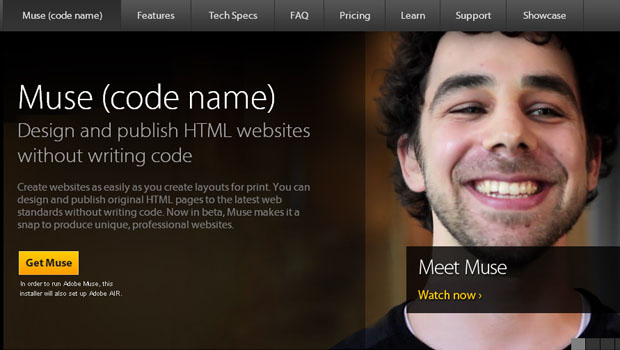
This is a desktop software .Adobe® Muse™ software enables designers to create websites without writing code. Planning, designing, and publishing original HTML pages is as easy as creating layouts for print. With master pages, built-in tools for interactivity, and more, Adobe Muse makes it a snap to produce distinctive, professional websites (drag-drop interface). It lets you easily plan your site , design with freedom, add rich interactivity. Unlike Photoshop which overwhelms with thousands of options, adobe muse has got an amazing and easy interface.
Theres also a super-useful widget library, and export to html feature.
2. Wix
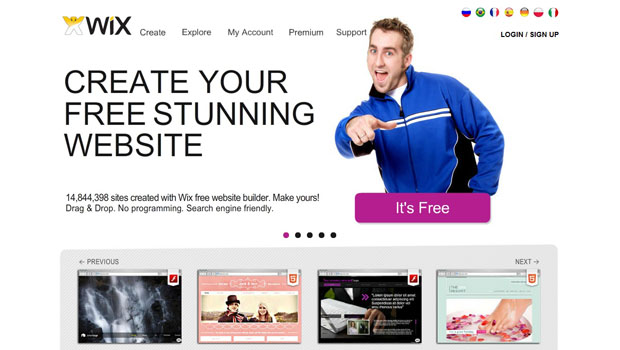
This is browser-based software.It has got the most amazing templates i have seen in any website builders.Its free ,fast ,and interface is pretty smooth. It has a Flash based website Builder as well as a Html5 based website builder. New Release : wixmobile
I particularly liked Wix mobile. The templates are compatible with the leaders of Mobile web : Andriod and iPhone
3. Breezi
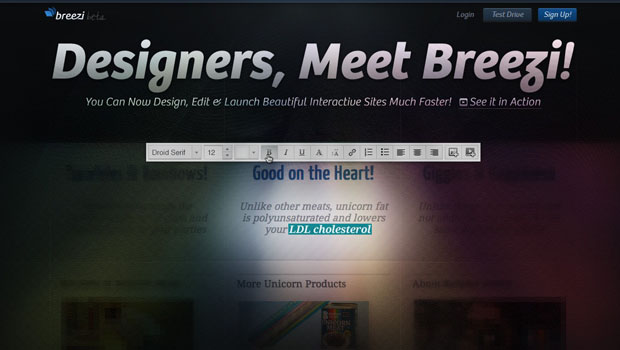
This is quite a new entrant in the market.Breezi won’t let you build a whole website in minutes. This is not because it’s any less good, but because there are way more options to take advantage of. Breezi is a full-fledged HTML5 website editor, which lets you control every little aspect of your website, design it just the way you want it to be, and get beautiful results.Its Website Builder for Designers and Creatives. It has got many stylish and amazing templates that you will love.
4. Orbs
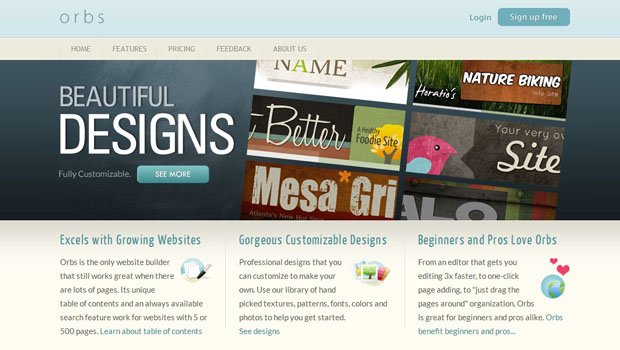
After playing with Orbs for a while, I can say that it’s a great tool for people without web design skills who want to build their own websites quickly and easily. Advanced users can use their expertise to customize their site even further. If you ever need a quick website, Orbs can be an alternative that you can try.It has got some nice templates to play around with.
Reading about the way to do something could never be compared to the actual process of doing it.
5. Sidengo
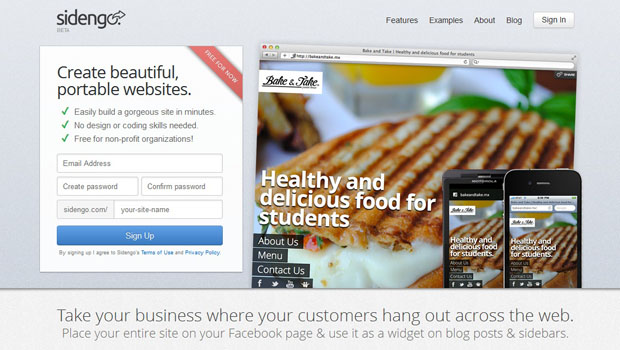
Sidengo is quite refreshing and superbly simple. It has just got one responsive template, but thats all will need. Infact I played with it and quite enjoyed the experience. It also got Facebook Page Integration, perfect for businesses, and also an option to export it to your own domain. Also complete integration with social media, flickr, youtube, wufoo forms, etc.
The feature I love most is the Embed. You can share your website on any blog and on any web-page. It just works great.
If you want a no frills website builder, do use sidengo.
6. Twylah
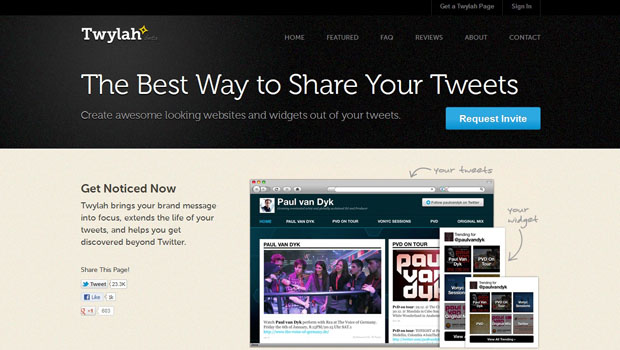
This is the only way for those who use twitter on a regular basis like me. Twylah gives a feature to use your tweets to create a website.Or it also gives you embeddable widgets.Also, more than likely you already post about some of the same topics on a regular basis, but after you start using Twylah you may do so more consciously, especially if you’re a business or organization.
7. Weebly
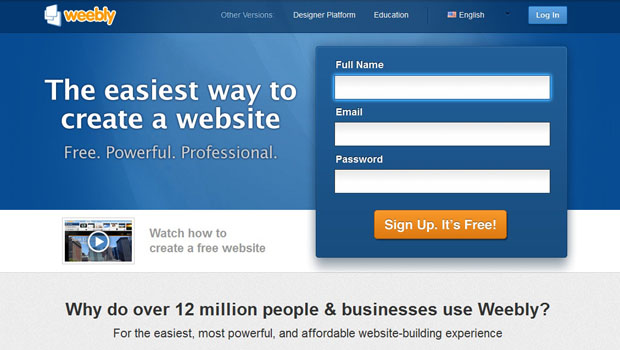
It has got a gazillion collcction of professional templates Bonus : It has got an iPhone app which lets you post and update your site as you go. Unlike other free services, this has got no annoying ads. The Website Builder layout is similar to Microsoft Ribbon. It has also got the same drag-and-drop interface. It has also a built-in HTML/CSS editor if you want to customize it further. Weebly strikes a fine balance between complexity and ease of use. The “Pro” options scattered throughout the interface can get a bit irritating after a while, but the free version is definitely powerful enough for most personal and small-business websites. All in all, it’s a lovely tool.
8. Flavors

It’s a personal portal website for linking all your content from around the Internet. Which means that visitors to your Flavors.me page will get links to say your Facebook, Twitter, Flickr, Posterous, Netflix and other social networking and content sites. It’s a one-stop place where you can create your own free web page to let others know what you’re up to, and what you’re producing. I loved the service and its beautiful interface. No need to keep a seperate website. Just link it to your twitter, facebook. 35 services in total. It has got 222 fonts, 17 layouts, option for exporting to your own domain and traffic statistics. Although it requires the pro version 
9. About.me
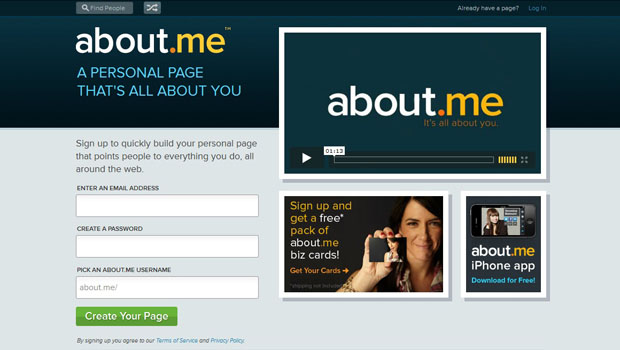
Its similar to flavors.me but kind of portfolio type, but it deserves its place in the top 10.
10. Google
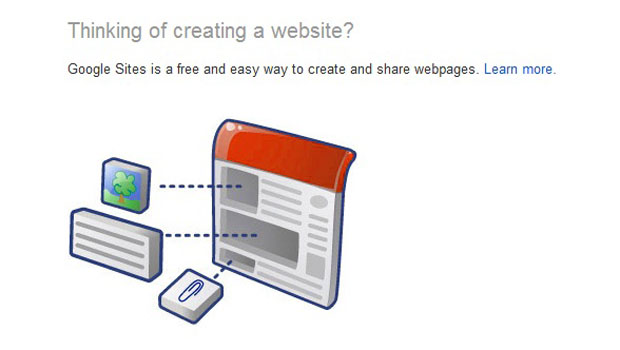
How can the list will complete without google. Yeah most of you might not know this but Google does offer the whole package with Apps and all. As its Google, I will not elaborate more. But with google drive, the race has began to hotup.
Thats all folks for now. If you have any other be sure to bring it to my notice in the comments below.
Dont forget to follow me on twitter @techiejayk

8 Comments + Add Comment
Got anything to say? Go ahead and leave a comment!
Sharing is Caring !
Sponsors
Show some Love !
Sign up for our Newsletter !
Latest Posts
- Enhance Your Web Design Using Simple CSS
- Code First – New Approach by Web Designers?
- Useful Addons for Web Designers and Developers
- Simplex – Free Responsive Template by Dzyngiri
- Customized Calculator using JavaScript
- Best Responsive Websites [Inspiration]
- Slick Contact Form using jQuery and PHP [Tutorial]
- Online Website Builders – You dont have to be a Designer
- Design and Development on Mobile Web
- Intro to SCSS – Your style-sheet on Steroids
Some more to add:
LightCMS.com
SquareSpace.com
Intuit.com
Thanks a ton Gloria,
These are the really nice additions and deserved a place in the post.
I loved the Squarespace very much…
Do any of these sites offer an add on service for someone who needs a very cost effective website for a small start up business but do not have the knowledge or time to create a website on this own?
Sean
[email protected]
All these website provide a kind of framework which allows you to create a very cost effective website in very small piece of time.
Who and where to edit this summer on holiday, portion your information.
I didn’t get you…
Can you lease elaborate?
The root of your writing while appearing reasonable originally,
did not settle properly with me personally after some time.
Someplace within the sentences you actually were able to make me a believer but only for a very short
while. I however have got a problem with your leaps in logic and you might do well
to help fill in all those gaps. When you actually can accomplish that, I
could certainly end up being impressed.
Hi there,
I need your advice, I am a 74 years old Man, who is starting a new business and would like to get a simple, but attractive webpage, I do not want to build my own, I am not good enough for that, even when they say that it is very easy.
I was wondering, do you have any sugestins, keep in mind, that I do not have a lot of money, I have a new and original product, which I am sure, that it would sell very well on line.
Thanks in advance.
Regards,
Joe.