




It is very important to use proper tools for good result. So here are some really awesome and useful addons for web designers and developers.
Fireshot:
Fireshot is an add-on to take a screenshot of entire web page. It will be very useful when you have to showcase your web template design to your valued clients and to display it in your personal portfolio. No need to follow that conventional and complex process of “Print Scrn”. It has some really nice and simple features:
- You can capture visible area, selected area and entire web page and that too neat and clean.
- You can save it on your local disc in PDF/PNG/GIF/JPEG/BMP file format.
- You can email, copy it to clipboard and can also print it!
- Share the screenshot by upload it to Facebook, Picasa, Flickr.
- Available for Firefox, Chrome and IE
You can install it from here
Responsive Design Bookmarklet:
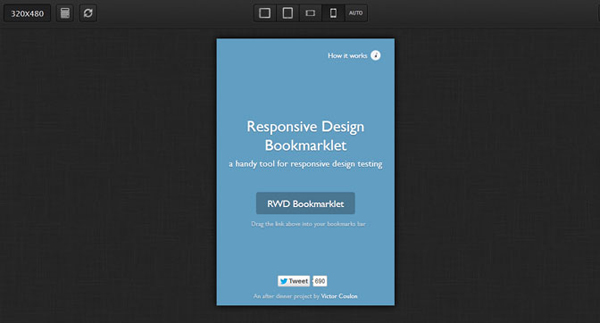
As the author of the add-on says, it’s a really handy tool for testing your responsive website in your browser itself. You can test your design for four screen resolutions i.e. iPhone (landscape and portrait) and iPhone or Tablet (landscape and portrait mode). It’s a very basic kind of a tool, but still I find it handy and easy to use.
Download it from here
Window Resizer:
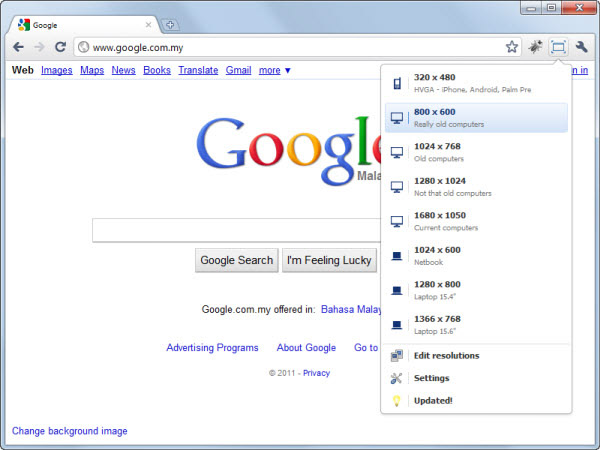
This is a really fantastic tool for designer. It resizes your browser window and shows the result. The most important feature of this tool is that, you can customize the screen size. It comes with 3 basic sizes, desktop, laptop and mobile.
Download it from here
Firebug:
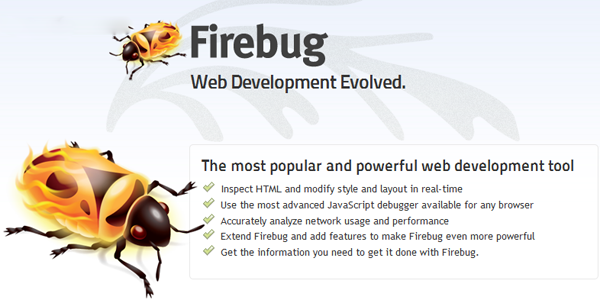
Firebug is the most commonly and frequently used tool by designers and developers. Using firebug, you can easily change, edit (only in browser rendering file) and analyze the HTML, CSS and JavaScript codes used by the running file in your browser. It will surely improve debugging and development time of your project.
Download it from here
FireFTP:

This is a really easy to use FTP tool to upload your files on your server. It becomes very user friendly when you just have to toggle from one tab to another instead of windows.
Download it from here
Dummy Lipsum:
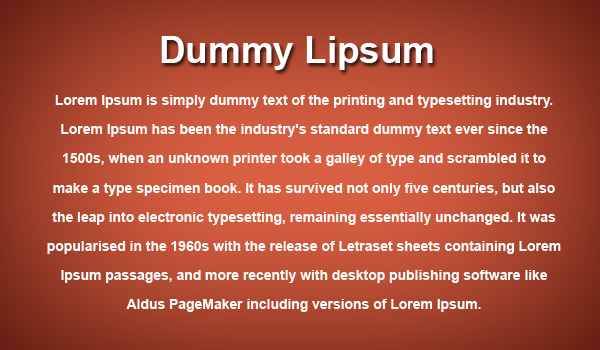
Many time web designers can’t find a proper source of dummy text or content to fill their content areas. Dummy text is used as fillers and “Lorem Ipsum” is used by the designers from all over the world as dummy text. If you struggle to find your dummy text then this is the most useful add-on for you.
Download it from here
Pixlr Grabber:
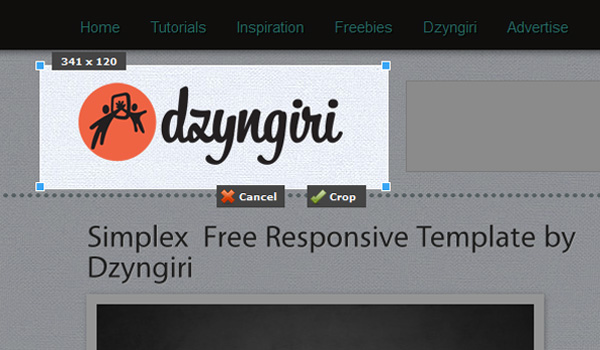
This is an awesome tool to grab the area of your screen. The most important feature of this tool is that, it actually shows the dimension of the area to be copied. You can use it to verify the size of the image or div in the web page. And yes, it’s really good looking. You just have to right click, select the Grab option and start measuring the area of your screen.
Download it from here
We hope you will find all of them useful. If we missed out some really nice and important addons, extensions or tools, then please let us know by commenting below.



You missed the all time fav tool for web development. You can live edit your css.
https://addons.mozilla.org/en-US/firefox/addon/web-developer/
Thanks for sharing Sagar ! !
You can do TONS of neat and useful things with the Web Developer toolbar.
Thanks for the information.
Great list. Thank you!
The responsive design add-on is now a regular part of Firefox 15.
Wow, incredible blog format! How long have you been running a blog for? you made blogging look easy. The total look of your web site is great, let alone the content material!
Thanks a lot… it has been six months now… And long way to go
Thank you for any other informative blog. Where else could I get that kind of info written in such an ideal means? I have a venture that I’m just now working on, and I have been on the glance out for such info.